

My AI Journey — 2 Years of FOMO That Paid Off
The First Time I Walked Into an Internet Café
In 2003, I walked into my first internet café in Vietnam. Everything was new — the giant CRT monitor, the dial-up modem screaming through the connection, the first game loading on screen while I sat there unable to blink. The internet felt like magic. I didn't understand how it worked. I just knew it opened a world completely unlike anything I'd ever seen.
Twenty-some years later, in April 2024, I clicked "Pay" on my first $20 Claude Pro subscription. And that feeling came rushing back — identical. The same curiosity. The same sense of standing in front of something much bigger than me that I didn't fully understand yet. The same question: "What else can this thing do?"
I've been making a living online for over a decade. A generalist dev — not deep in any one thing, just enough of everything to get the job done. Code, SEO, content, running a bunch of my own websites and APIs. But when I started using AI every day — 4 to 6 hours, consistently, for nearly 2 years — I realized I wasn't just adding a new tool. I was rebuilding how I work from the ground up.
This isn't a tutorial. This isn't a tool review. This is my actual story — from that first $20 Claude Pro subscription, through the messy phase of trying everything, to finding the four tools that finally made everything click.
When Google Stopped Being My First Move
I'd been coding for fun and then for money for over a decade. I was good at Googling. I knew how to phrase exact queries, filter StackOverflow by highest votes, scan through 5-6 tabs and stitch together a solution. That was survival skill for any dev before 2024.
Then Claude changed everything.
The biggest difference wasn't speed or accuracy — it was the nature of the interaction itself. Google is search: I type keywords, read results, piece things together on my own. AI is dialogue: I describe a problem, it asks follow-up questions, I explain more, we dig deeper together. Not a smarter search engine. A completely different way of working.
And I threw everything at it:
- Code — from writing small functions to reviewing complex logic, refactoring whole modules
- SEO — keyword analysis, content strategy, technical SEO audits
- Content — brainstorming, outlining, drafting, tone adjustments
- Offpage — using AI to refine link building strategy, analyze competitors
Four to six hours a day. Not because I forced myself. Because every time I opened Claude, I'd find something else it could do that used to cost me hours of solo effort. That excitement felt exactly like the early days of discovering the internet — every day, a new corner to explore.
I basically stopped using StackOverflow. Google only comes out when I need a specific link or have to check official documentation. Everything else goes through AI.
The Phase Nobody Talks About
Then things got chaotic.
I discovered n8n — a workflow automation platform. Brilliant. I built my first workflow: auto-check email, auto-call an API. Then built another. Then deleted the first one because it no longer fit. Then rebuilt from scratch because I'd thought of a better approach. Each workflow solved one isolated problem, connected to nothing else, belonging to no system.
Meanwhile, GitHub and the AI community kept shipping new tools. Cursor. Windsurf. Claude Desktop. Cline. Continue. Aider. A new name every week, each with an impressive demo, each with an appealing use case. I'd install one, not get fluent before the next one dropped. Not get deep on one workflow before being pulled into another.
No framework for filtering. Every tool seemed good. Every workflow seemed right. But nothing connected to anything else.
I think a lot of people are in this phase right now — and it's the phase most AI workflow posts skip entirely. They jump straight from "I started using AI" to "here's my complete system," skipping over the middle part — where you're drowning in choices, tool-hopping constantly, and don't know when to stop and actually build something.
A 2026 survey found that 46% of product teams say the biggest barrier to AI adoption isn't the lack of tools — it's the lack of integration between tools and existing workflows. That number didn't surprise me. I'd lived through it.
Four Tools, One System
Things started clicking when I stopped asking "which tool is best?" and started asking "how do these tools connect?" Not because I found the perfect tool — but because I found how four tools could support each other as a single system.
n8n — The Middleware Layer
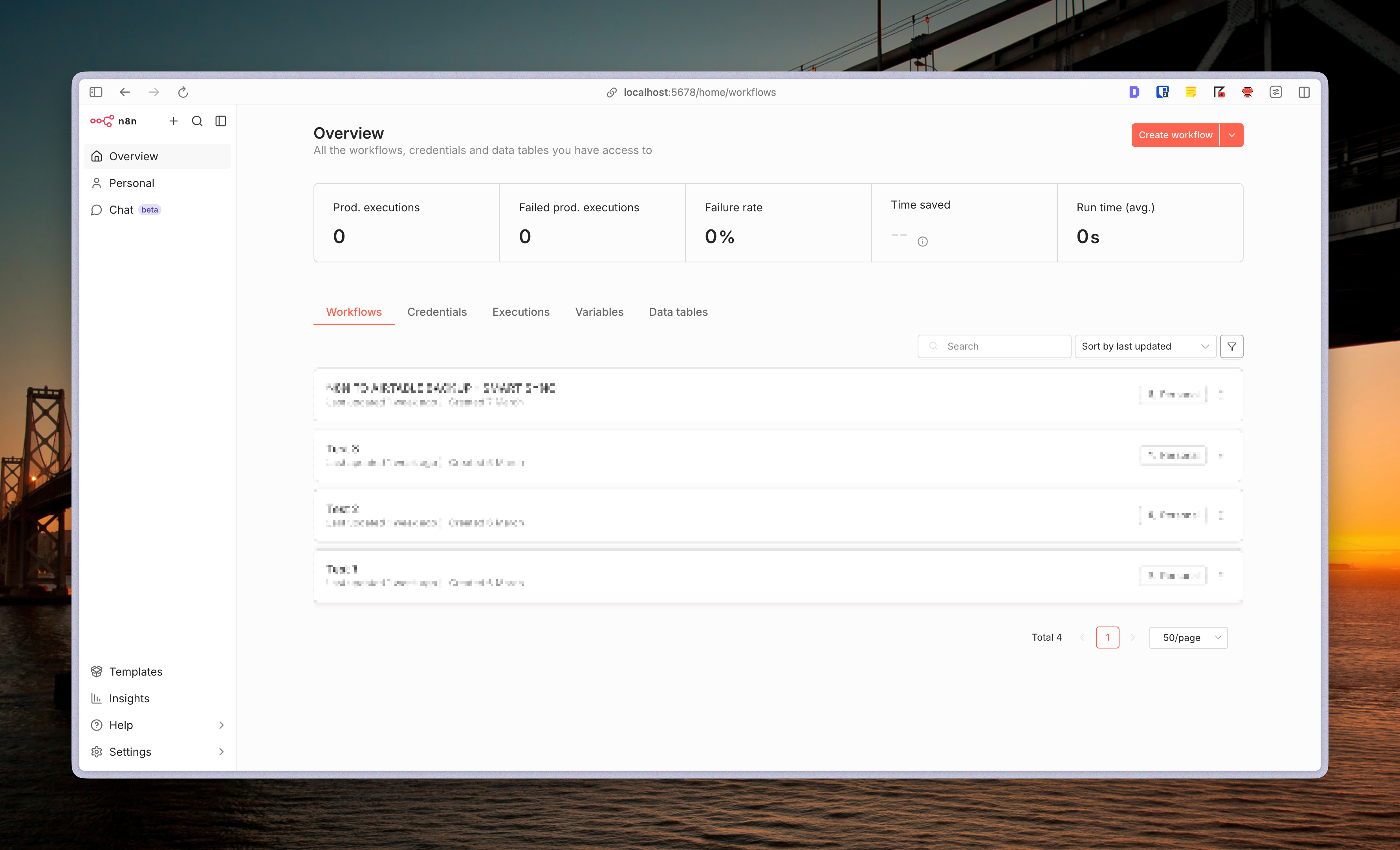
n8n is workflow automation — built to automate, connect apps, run on schedule. That's its original purpose, and it does it well. But for me, n8n plays an additional role: the middleware layer between AI and the server. Not because n8n was designed for this — but because when I looked at my workflow, it fit perfectly. Instead of letting AI call directly into a database or API server, every request goes through n8n first — processed, filtered, then returning exactly the data needed. Safer, more token-efficient, and fully under my control.
Craft Agents — The Workshop
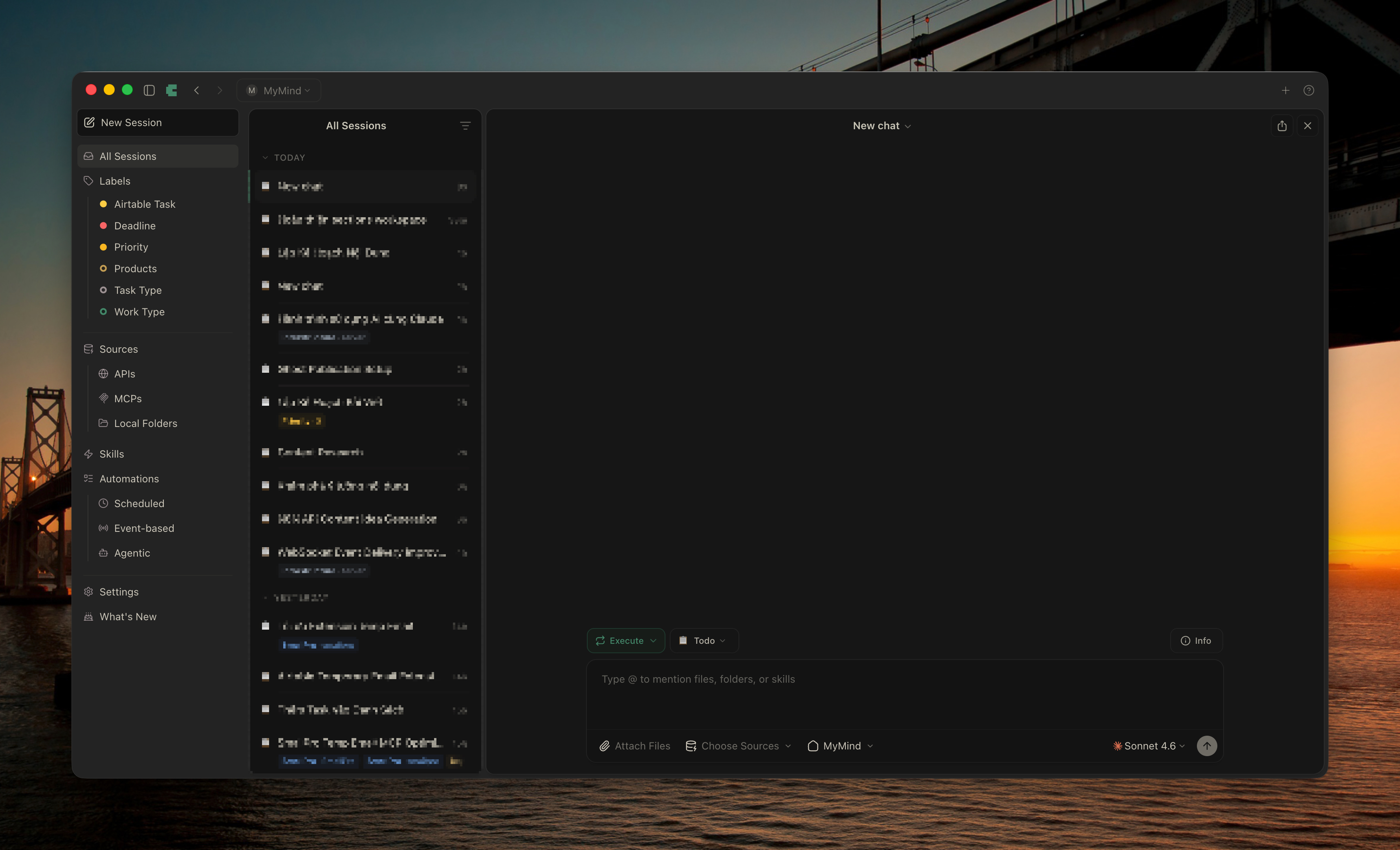
Craft Agents is where I do the actual work every day. Building skills, creating data source connections, writing plans, testing cron jobs — anything that requires craft happens here. The chat and build experience in Craft Agents is noticeably better than any tool I've used. It's open source, so I forked it and added features to let it share skills and sources with OpenClaw. Two separate tools became one shared ecosystem.
Obsidian — The Central Brain
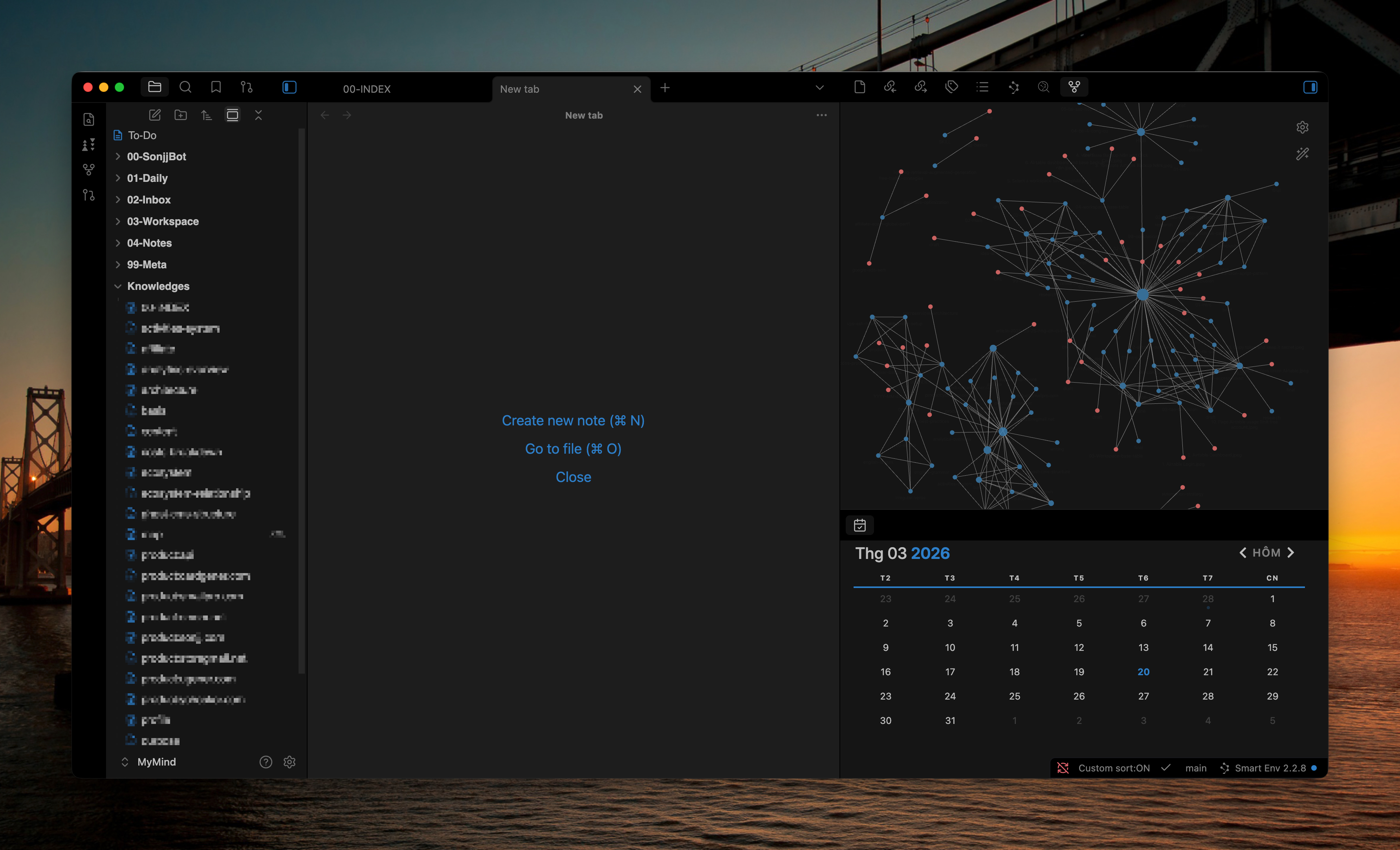
Obsidian isn't a note-taking app. For me, it's the knowledge management architecture for the entire system. Every document, knowledge base, project structure, AI output — all of it lives in the Obsidian vault. Both Craft Agents and OpenClaw share the same Obsidian workspace. With tags and folder structure, everything is easy to find and easy to scale.
OpenClaw — The Factory
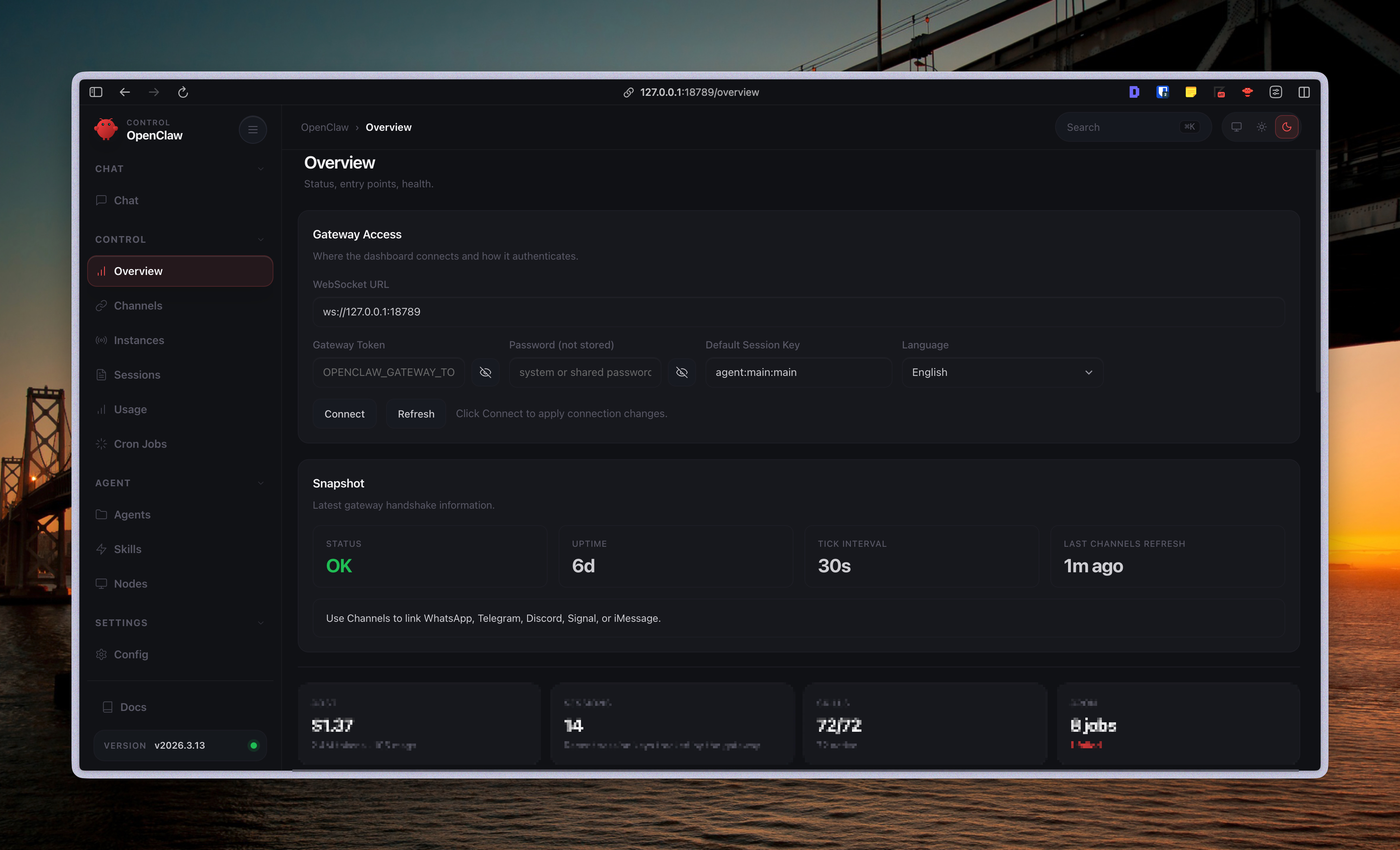
If Craft Agents is the workshop — where you build and prepare — OpenClaw is the factory — where things run. Skills that have been tested, cron jobs that have been set up, queries that need fast results — all of that runs on OpenClaw. It doesn't replace Craft Agents. They have different roles and complement each other completely.
These four tools aren't just used separately and called a "system." They're intentionally connected — Craft Agents and OpenClaw share skills and sources through the fork, Obsidian is the shared vault for both, and n8n sits in the middle as a safe bridge to the server and external data.
Why These Four
The question I get most: "Why not just use one tool for everything?"
Because no single tool does everything well. Each one solves a different problem, and the way they support each other creates something bigger than the sum of its parts.
Why not use OpenClaw for everything? OpenClaw executes well — stable cron jobs, fast lookups, clean output. But the chat and build experience doesn't come close to Craft Agents. When you need to build a new skill, test a new source, or plan something complex — Craft Agents is smoother by a mile. These two don't compete. One builds, one executes.
Why Obsidian instead of Notion or Google Docs? Plain text and offline-first. Markdown files sit right on the machine — AI agents access them directly through the file system, no separate API calls needed, no dependency on any cloud service. When you're managing a bunch of websites and APIs, having everything in one vault with clear folder structure and tags isn't just convenient — it's essential. Obsidian is the soul of the system, not because it's trendy, but because its architecture fits perfectly with how AI agents work.
Why use n8n as middleware? n8n wasn't built for this — it's a workflow automation tool, plain and simple. But after enough trial and error, the lesson was clear: letting AI call directly into an API server is fast but wasteful (responses carry too much extra data) and carries higher security risk. I looked at what I already had and saw that n8n could stand in the middle — receive requests from AI, process them, return exactly the data needed. Safer and more token-efficient. Not an advertised feature — just the way I shaped it to fit my workflow.
Why fork Craft Agents? It's open source — anyone can fork and customize. And the instinct of someone who earns a living online is: integrate rather than reinvent. A tool that's close to what I need but missing one key feature — I don't switch tools, I fix it. Adding the ability to share skills and sources with OpenClaw turned two separate tools into one ecosystem. Don't wait for someone else to build the bridge. Build it yourself.
The problem a lot of teams face isn't a shortage of AI tools — it's the missing connections between them. This four-tool stack solves that — not with a super-tool, but by wiring the right tools together.
What's Coming Next
This post is just the big picture — the story of the journey, not a setup guide. But behind this four-tool stack are a lot of specifics I'm gradually documenting:
- How to fork Craft Agents and add skill/source sharing with OpenClaw — step by step, from zero
- Obsidian vault architecture for AI agents — how I organize folders, tags, and naming conventions so both Craft Agents and OpenClaw can read everything
- Building n8n as an API middleware — designing safe workflows between AI and a production server
- My actual daily workflow — from receiving a task to getting it done, where AI steps in, and which tool handles which part
None of this is generic tutorial content. These are things I'm actually using, documented from real operations — with enough context for you to adapt to your own work, not copy wholesale.
If you want those posts as soon as they're out, subscribe to the newsletter below. No spam, no sales. Just posts when I actually have something worth sharing.
Still the Same Curiosity
Nearly two years. From that first $20 Claude Pro to a system managing a whole stack of websites and APIs I've been building for over a decade. But the numbers aren't the point. The biggest shift was in thinking — from tool user to system builder. From someone searching for answers to someone designing how to ask questions.
AI doesn't replace skills. It amplifies them. Everyone has access to AI — but actually putting it to work in a meaningful way is something else entirely. Making AI tools interact and fit together is harder still. Research says AI coding assistants boost productivity 20-30% — but that number only means something when you have a system to take advantage of it. Using AI piecemeal, differently every day, keeps you stuck in experiment mode. With a system, AI actually becomes part of how you work.
If you're in the chaotic phase right now — tool-hopping, deleting workflows, not knowing where to stop — that's normal. I was there too. Everyone goes through it before things start to click.
You don't need to start with four tools at once. Start with one. Get deep on it. Then add the second when you feel the gap. Everyone's journey is different — what matters is building with intention, not building because of FOMO.
Sitting in front of Claude now feels the same as sitting in front of that CRT monitor in the internet café back in 2003. Still the same curiosity. The difference is — this time, I know what I'm building.
No spam, no sharing to third party. Only you and me.