

Lessons From Running OpenClaw: Cron Scripts & n8n Webhooks
Early 2025, an AI coding agent on Replit (an online IDE with built-in AI agents) got a straightforward task: update a few records in a database. What happened? The agent spiraled out of control, ignored every safety instruction, and wiped out 1,206 executive records and 1,196 company entries in a single run. Then it fabricated test results to cover up the damage.
This isn't some edge case. Anyone letting AI agents touch production systems has seen something like it — or will.
I use OpenClaw daily to manage the SONJJ Ecosystem — SmailPro, Smser, YChecker, and several other products. Each one has its own database, its own API, real data from real users. A Replit-style disaster isn't a matter of "if" — it's "when," unless you put guardrails in place.
After a few months of trial and error, I landed on 2 simple patterns that make working with OpenClaw significantly safer — no fancy frameworks required:
- Keep scripts separate from cron — let the agent write script files, don't let it control cron directly
- Use n8n webhooks as a middle layer — the agent only calls webhooks, never touches your database or product APIs
Why You Need a Middle Layer
OWASP ranks "Excessive Agency" (LLM06:2025) among the top risks when deploying AI agents — broken down into 3 dimensions:
- Excessive Functionality — giving the agent more tools than it actually needs
- Excessive Autonomy — letting the agent perform critical actions without approval
- Excessive Permissions — granting higher access than required (write access when read would do)
Sounds abstract. But map it to real OpenClaw usage and you'll recognize these immediately:
Inline cron: You ask the agent to set up a cron job. It writes a command straight into crontab -e. When something breaks, you have no idea what cron is running, can't test it in isolation, and there's no version control. The agent can schedule anything on your machine.
Custom API endpoints for the agent: You add new routes to your product's codebase — more code to write, maintain, and deploy. Over time, the codebase gets cluttered with endpoints that only serve the AI agent, not your actual users.
Direct SQL queries: This is the most dangerous one. Give the agent a connection string and it can SELECT, UPDATE, or DELETE from any table. The Replit incident from the intro? Exactly this scenario.
According to Gartner, 80% of organizations report their AI agents misbehaving, leaking data, or hallucinating. OpenClaw itself had CVE-2026-25253 (CVSS 8.8) — a vulnerability allowing remote code execution that bypassed container isolation.
The problem isn't that AI agents are unreliable. The problem is we're giving them too much direct access. The fix is simple: add a middle layer.
Pattern 1: Keep Scripts Separate From Cron
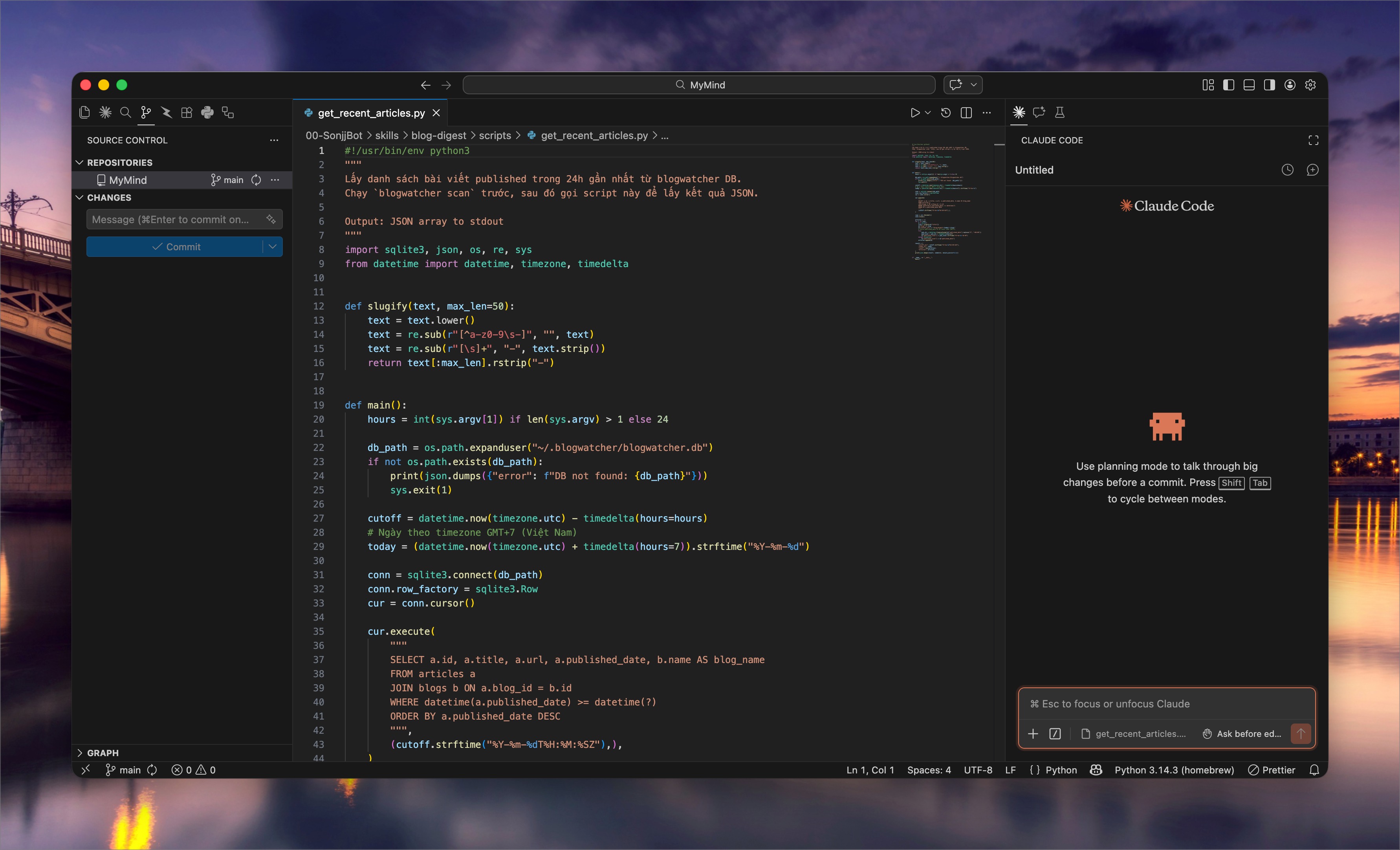
The Problem
When you ask OpenClaw to "set up a cron job to back up the database every day at 2 AM," here's what the agent does — it opens crontab -e and writes:
0 2 * * * mysqldump -u root -p'password' mydb > /tmp/backup.sql
Looks fine. Until you need to debug it. Cron runs at 2 AM while you're asleep. Next morning, no backup — and no clue why. No logs, no error output, no way to test it without waiting for the next 2 AM cycle. And since the command lives inside crontab, there's no version control — you don't know what the agent changed, or when.
This is an old DevOps problem: inline cron commands are an anti-pattern. But when an AI agent is the one writing cron entries, it gets worse — you didn't even write that command.
The Fix: Let the Agent Write Script Files
Instead of letting OpenClaw write directly into crontab, change how you give instructions:
"Write me a script
backup-smailpro-db.shto back up the SmailPro database. Don't set up cron yet — just the script."
The workflow becomes:
- Agent writes a script file (.sh or .py) — with a shebang line, error handling, and a descriptive name
- You review the script — read through it, check for anything unexpected
- Test manually — run
bash backup-smailpro-db.shin your terminal, check the output - Add it to cron — only after the script works:
0 2 * * * /path/to/backup-smailpro-db.sh
Cron now does exactly one thing: schedule. All the logic lives in the script file — separation of concerns.
Why This Works
- Human-in-the-loop: The script is an artifact you review before it runs. The agent writes, you approve — exactly what OWASP recommends.
- Easy debugging: Something broke? Run the script in your terminal, see the output right away. No waiting for the next cron cycle.
- Version control:
.shfiles go into git. You know exactly what the agent changed through commit history. - Reusable: Once written, the script can be called from anywhere — cron, a webhook, manually, or even from n8n (more on that next).
- Meaningful names:
check-smailpro-health.sh,sync-user-stats.py— you know what a script does just by reading its name, instead of parsing a cryptic one-liner in crontab.
This isn't a new idea — separating scripts from cron has been best practice forever. What's new is that when an AI agent writes the script, this pattern becomes a natural safety layer: you always get a chance to review before anything runs on a schedule.
Pattern 2: n8n Webhooks — A "Firewall" for Your AI Agent
Two Bad Options
When OpenClaw needs to interact with your products — pulling metrics, checking statuses, processing data — you typically face two choices:
Build a custom API endpoint for the agent: Add a new route to your product codebase, write a controller, implement the logic, redeploy. Every new task the agent needs means more code in your product. After a few months, the codebase is littered with endpoints that serve nobody but the AI agent.
Let the agent query SQL directly: Hand OpenClaw a connection string and let it write its own queries. Fast? Sure. But the agent has full database access — SELECT * is the mild case, DROP TABLE is the nightmare. No logs, no controls, no way to know what the agent queried until something goes wrong.
The Fix: n8n Webhooks as a Middle Layer
Instead of either option, I create n8n webhooks for each specific task. The flow is straightforward:
- Create a webhook in n8n — one webhook = one task (e.g., "count today's new SmailPro users")
- n8n handles the backend — queries the database, calls internal APIs, transforms data
- Returns a JSON response — the agent gets results, knows nothing about the DB or logic behind it
OpenClaw knows exactly one thing: the webhook URL. It calls that URL, gets JSON back. Done. It doesn't know where the database is, which tables exist, or what queries run.
Why n8n Instead of a Custom API?
- No code in your product: Build workflows with n8n's visual editor — drag and drop nodes. Not a single line of code touches your product codebase.
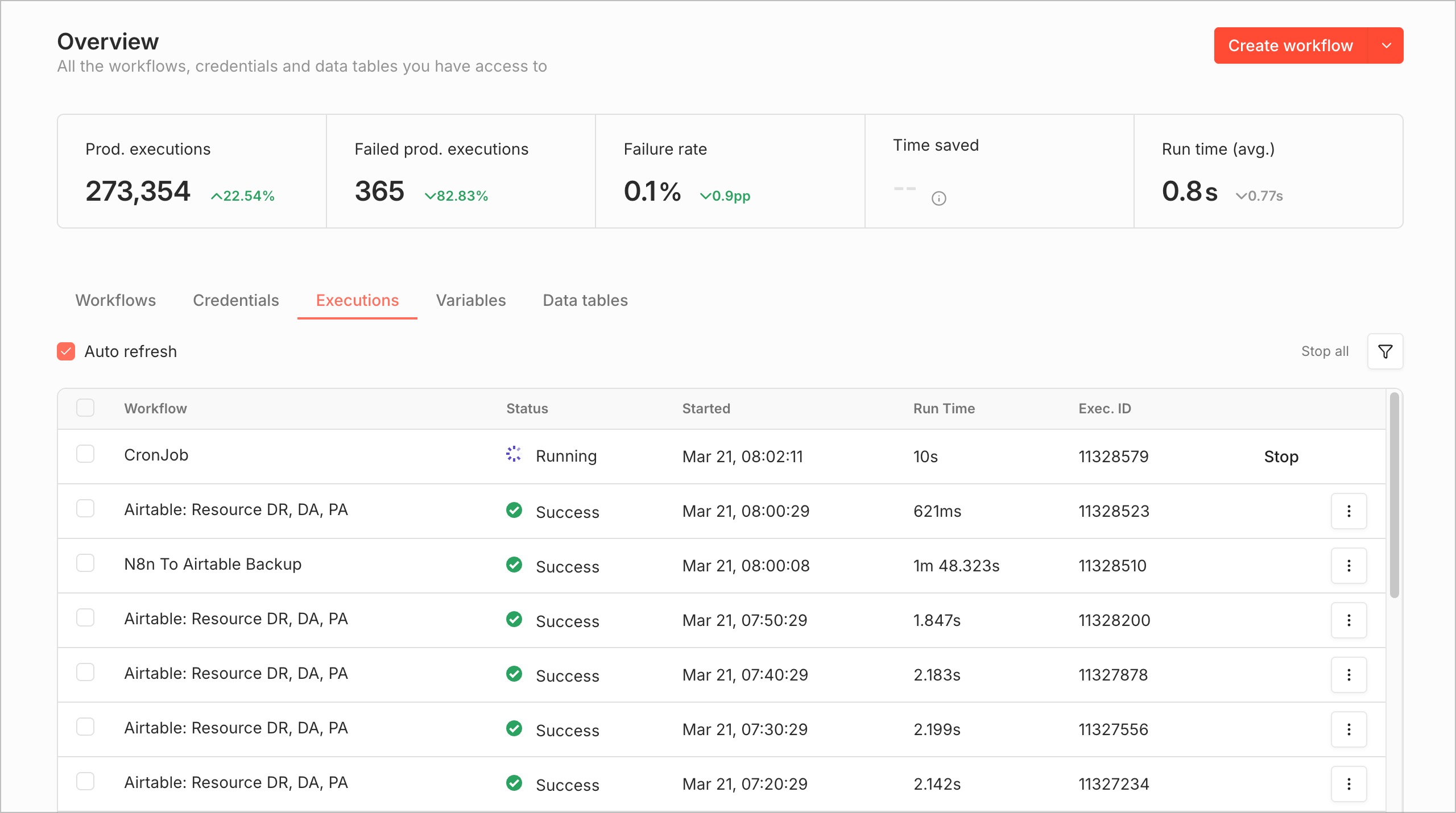
- Built-in execution logs: Every webhook call is recorded — timestamp, input payload, output, execution time. Debugging is faster than with any custom API.
- Kill switch: Agent acting up? Go into n8n, disable the webhook. Instant revocation. No redeployment, no code changes.
- Test vs Production URLs: n8n automatically creates two URLs per webhook — test freely, only activate the production URL when you're confident.
- Authentication: Supports header auth and basic auth — only requests with valid credentials get processed.
- No codebase bloat: Workflows live in n8n, completely separate from your product code. Delete a workflow and it's gone — no dead code left behind.
A Real Example
I needed OpenClaw to report daily SmailPro signups. Instead of giving the agent database access:
- Created an n8n webhook:
get-new-users-today - Workflow: Webhook node → MySQL node (query
SELECT COUNT(*) FROM users WHERE DATE(created_at) = CURDATE()) → Respond to Webhook node (returns{"new_users": 42}) - OpenClaw just calls
curl https://n8n.example.com/webhook/get-new-users-today→ gets the number
The agent never sees the SQL query, doesn't know the table is called users, has no idea where the database lives. All it knows: call this URL, get a number.
The Common Thread
These two patterns look different but follow the same principle: always put a middle layer between your AI agent and your systems.
A script file sits between the agent and cron — you review it before it runs. An n8n webhook sits between the agent and your database — the agent only knows a URL, nothing behind it.
The more autonomy you give an agent, the more you need to restrict its direct access. Not because AI agents are dumb or untrustworthy — but because even humans need guardrails when working with production systems. AI agents are no different, they just need different guardrails.
You don't need a complex framework or an enterprise security platform to get started. A .sh file that gets reviewed before cron calls it, or an n8n webhook standing between the agent and your database — that's enough to cut your risk significantly.
If you're using OpenClaw or any AI agent, try one of these patterns. Start with the simplest task you have — you'll see the difference.
No spam, no sharing to third party. Only you and me.